Toniebox or Yoto? What Age, Which One, and Is It Worth It (From a Mom of Two Who Has Both)
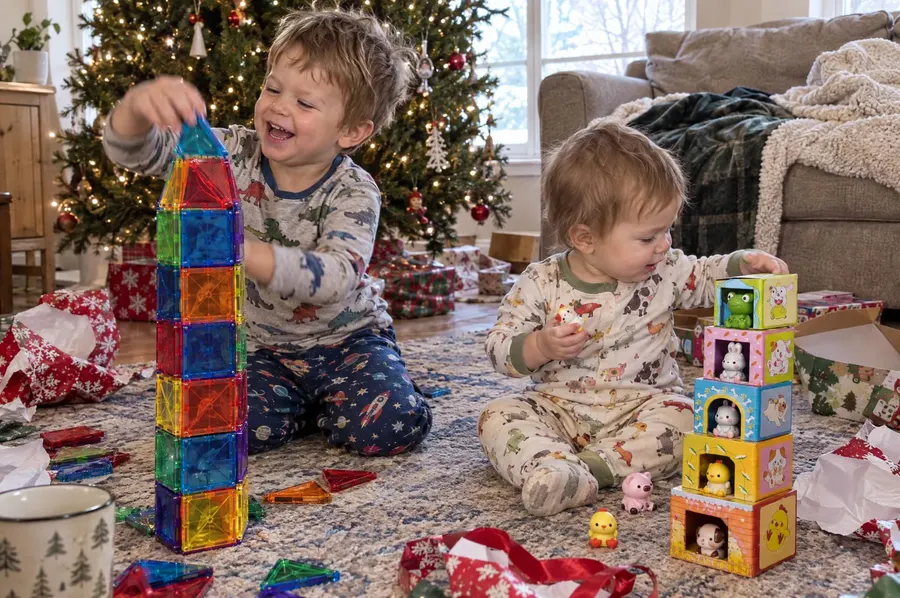
The first time our one-year-old really noticed the Toniebox, his big brother was having a dance party with it on the floor. The baby was thrilled. He ran straight over and ripped the figurine right off the top, and the music stopped.
Every Toniebox or Yoto review I read assumed one kid. With two kids three years apart, the questions are different: what age is each one really for, is it worth the money, and who gets which one? Do they each need their own? And what happens when the baby wants whatever the four-year-old is listening to?
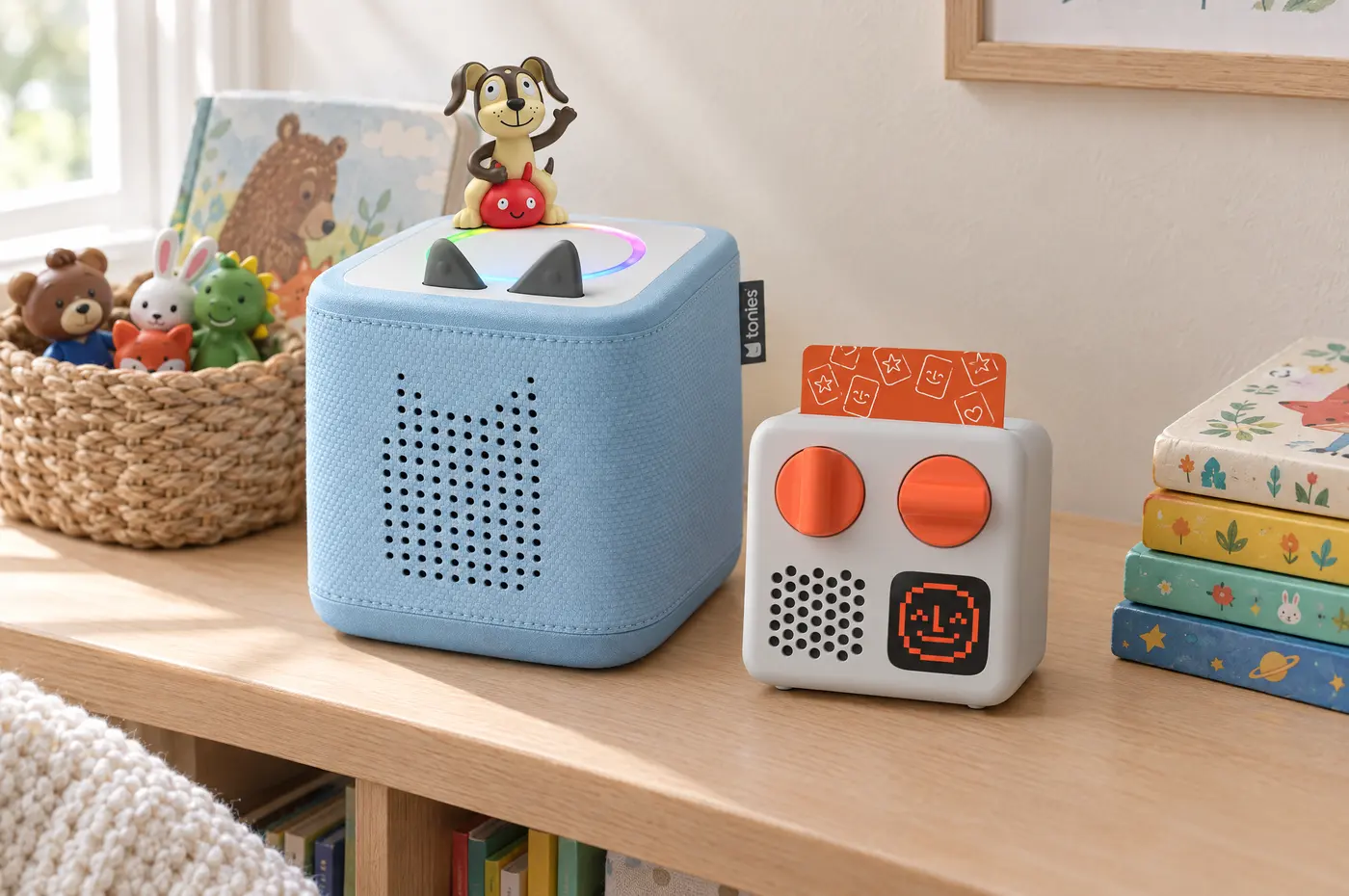
We have the original Toniebox and a Yoto Mini (the 2024 version). Right now our four-year-old uses both, the Toniebox to fall asleep and the Yoto Mini in the car, and the one-year-old mostly wants to grab the figurines. Here’s what I’ve worked out so far.
One honest thing up front: these aren’t cheap. A player is $80 to $150, and the figurines and cards add up fast after that. For a lot of families, this is a big-gift purchase, not an impulse buy. So there’s a section below on making one player work for two kids.
This post contains affiliate links, which means I earn a small commission if you buy through them, at no extra cost to you. As an Amazon Associate, I earn from qualifying purchases. I only link to things we own or would buy again.
The short answer
- Toddler (1–2): a Toniebox. Soft, no small parts, rated for ages 1+, and a toddler can run it alone. Set a figurine on top and it plays.
- Preschooler (3+): a Yoto Mini. Cheaper content, lots of free audio, and small enough for the car.
- One player for both: only works if it’s the family player from day one. Start with a Toniebox if one of them is under 3. Every age can use it, and the older one won’t break it.
- Two players: one per kid, and it’s theirs. Don’t buy two different players and expect both kids to share both. They won’t.
Is a Toniebox worth it? Is a Yoto worth it?
For us, yes, because each one does a specific job every day.
- The Toniebox is how our four-year-old falls asleep. It’s part of his bedtime now, with no screen involved.
- The Yoto Mini is what makes our long drives work. We drive two-plus hours to see family a lot. With the Yoto Mini and headphones, our four-year-old listens to his songs and stories, and we get our own music, or actually talk to each other. (More of what works on long drives: screen-free car travel activities.)
- The Toniebox can handle a one-year-old. It’s durable enough that if the baby knocks it off a shelf or throws it, I’m not worried.
Where I’d be honest: it’s only worth it if it becomes part of a routine, like bedtime, quiet time or the car. If you’re not sure it’ll stick, borrow one from your library first (more on that below) before spending $80 to $150 plus figurines or cards.
Do siblings need their own Toniebox or Yoto?
Not at first. One player works fine while the younger one is a baby, especially if it’s a Toniebox. It’s durable enough that a one-year-old knocking it off a shelf or throwing it isn’t a problem. Just decide up front whose it is, the family’s or the big kid’s, because that’s hard to change once they’ve claimed it.
It usually changes around the time the older one turns three or four. That’s when they want their own stories at bedtime, their own volume, and their own player in the car. Signs it’s time for a second one:
- They’re fighting over it more than they’re listening to it.
- They both want it at bedtime. One player can only play one story at a time.
- The older one is ready for longer stories and audiobooks, and the toddler still wants songs.
- You’re in the car a lot and only one of them can listen.
For us, it’ll be bedtime or rest and nap time. Right now only our four-year-old uses the Toniebox to fall asleep. Our boys go to bed around the same time, so the day the one-year-old starts wanting it at bedtime or nap time is the day he gets his own Toniebox.
On a budget? How to share one Toniebox or Yoto between two kids
If one player is what the budget allows right now, that’s completely fine. Here’s how to make sharing work, and how to keep the figurines and cards from eating your budget.
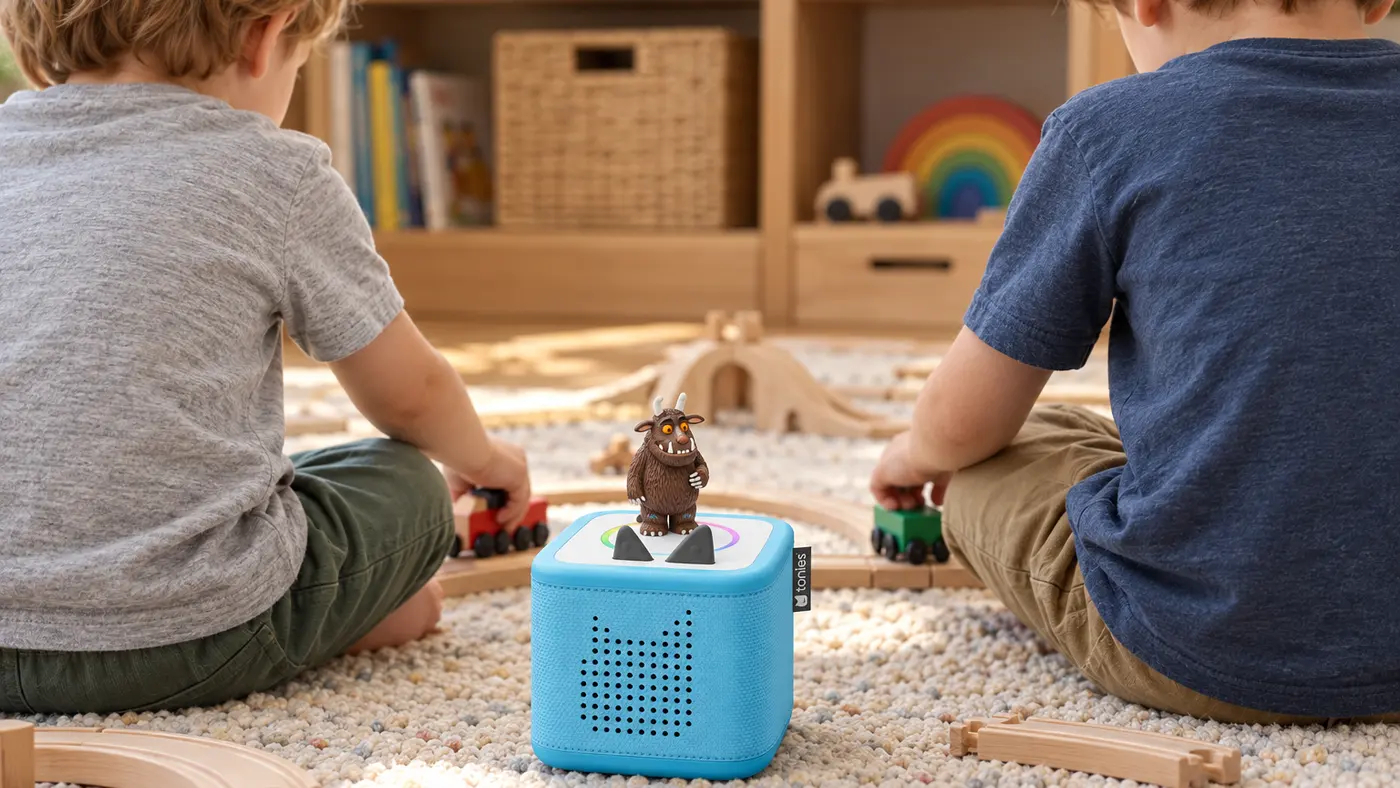
Making one player work
- Call it the family player from day one. Sharing only works if nobody thinks it’s theirs. Don’t wrap it as one kid’s birthday gift and then ask them to share.
- Pick the Toniebox if one of them is under 3. It works for every age, and a toddler can’t break it.
- Give each kid their own time with it. For example, the little one gets it at nap time and the big kid gets it at bedtime. When it has a schedule, it’s not a fight.
- Keep the figurines or cards in one shared basket, and let each kid pick one favorite that’s just theirs. One “mine” figurine is a lot cheaper than a second player.
Free Yoto content and cheap Tonies
- Check your library first. A lot of public libraries now lend Tonies and Yoto cards, and some lend the players too, so you can try one before you buy. Ask at your branch.
- Use the free stuff. Every Yoto comes with free Yoto Radio, a daily kids’ podcast and sleep sounds. The Tonies app has free audio you can load onto a Creative Tonie.
- Record your own. A Creative Tonie (the Toniebox Lite comes with one) or a Yoto Make Your Own card lets you load your own audio, including grandparents reading bedtime books. Kids love it, and it never needs replacing.
- Buy figurines secondhand. Every Tonie works on every Toniebox, and Facebook Marketplace and local parent groups are full of them. If you buy a used Toniebox, ask the seller to remove it from their Tonies account first.
- Start with the cheaper models. The Toniebox Lite and the 2024 Yoto Mini are both $79.99. The original Toniebox is still around $70 on Amazon while it lasts.
- Put content on the gift list. One Tonie or card pack is an easy birthday or holiday gift from grandparents, and you’re not buying the whole collection yourself.
What age is a Toniebox for? (And a Yoto?)
Tonies rates the Toniebox 2 and Toniebox Lite for ages 1 and up, and the original Toniebox for 3 and up. Yoto rates its players for 3 and up. Here’s how that plays out by age:
| Age | Pick | Why |
|---|---|---|
| 1 | Toniebox 2 or Toniebox Lite | Rated 1+. Nothing to bend or chew. The figurines double as toys. |
| 2 | Toniebox | Still the easiest to run alone. Yoto’s players are rated 3+. |
| 3–4 | Either; Yoto Mini if you travel | Ready for cards. Yoto content is cheaper and there’s more free audio. |
| 5–6 | Yoto Player or Mini | Longer audiobooks, a clock and a night light. Most kids outgrow Tonie songs here. |
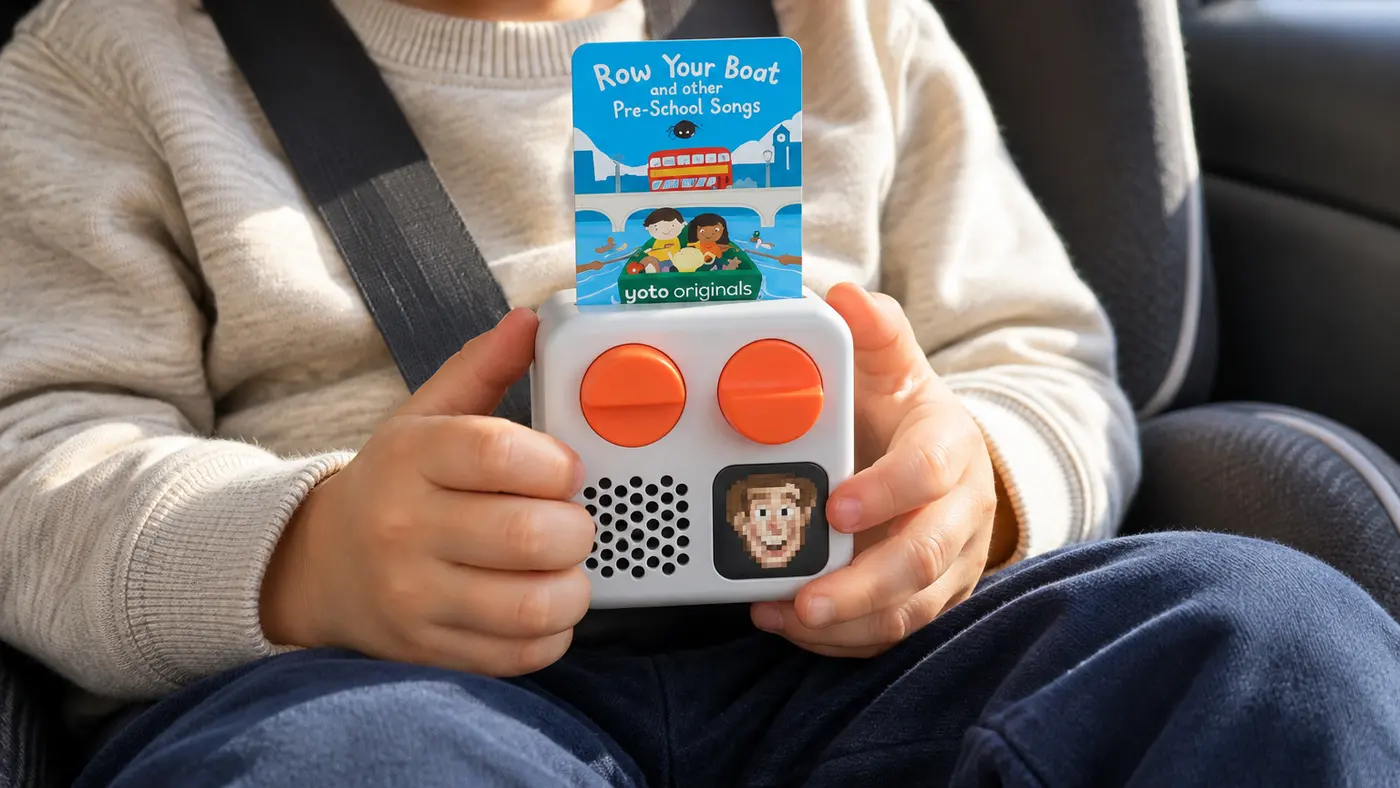
Can siblings share Tonies and Yoto cards?
Yes, with two things to know.
Tonies: every Tonie works on every Toniebox, including the original Toniebox 1 and the Toniebox 2. You can add more than one Toniebox to the same Tonies account, so the boxes can live in different rooms (or at grandma’s) and share one collection. On the Toniebox 1, each Tonie has to download separately onto each box the first time.
Yoto: you can add more than one player to the same Yoto Family Account and manage them all from one app. Each player keeps its own settings, like bedtime and wake times and a maximum volume, so the four-year-old’s player can be set differently from the toddler’s. Cards you buy are added to the family library, and you can play anything in the library from the app on any player in the account.
The catch: a figurine or a card is still one physical thing, so only one kid can use it at a time. If they both love the same character, that’s where the arguments start.
At our house, the sharing problem is mostly the one-year-old pulling the figurine off mid-song. The Toniebox stops as soon as a figurine comes off, so the big kid just puts it back. Annoying, but nothing breaks.
Which Toniebox or Yoto model for each kid?
There are five models worth considering right now. Prices are the brand’s own, checked October 1, 2026.
| Toniebox 2 | Toniebox Lite | Toniebox 1 | Yoto Mini | Yoto Player | |
|---|---|---|---|---|---|
| Ages (maker) | 1+ | 1+ | 3+ | 3+ | 3+ |
| Price | $149.99 with a Tonie | $79.99 with a Creative Tonie | Being phased out; about $70 on Amazon | $109.99 (4th Gen); $79.99 (2024) | $109.99 (3rd Gen); $149.99 (4th Gen, ships Oct 15) |
| Night light | Yes | No | No | No full night light | Yes |
| Best sibling job | The toddler’s bedroom | A second box, or grandma’s | A secondhand bargain | The big kid’s car and travel player | The big kid’s bedroom |
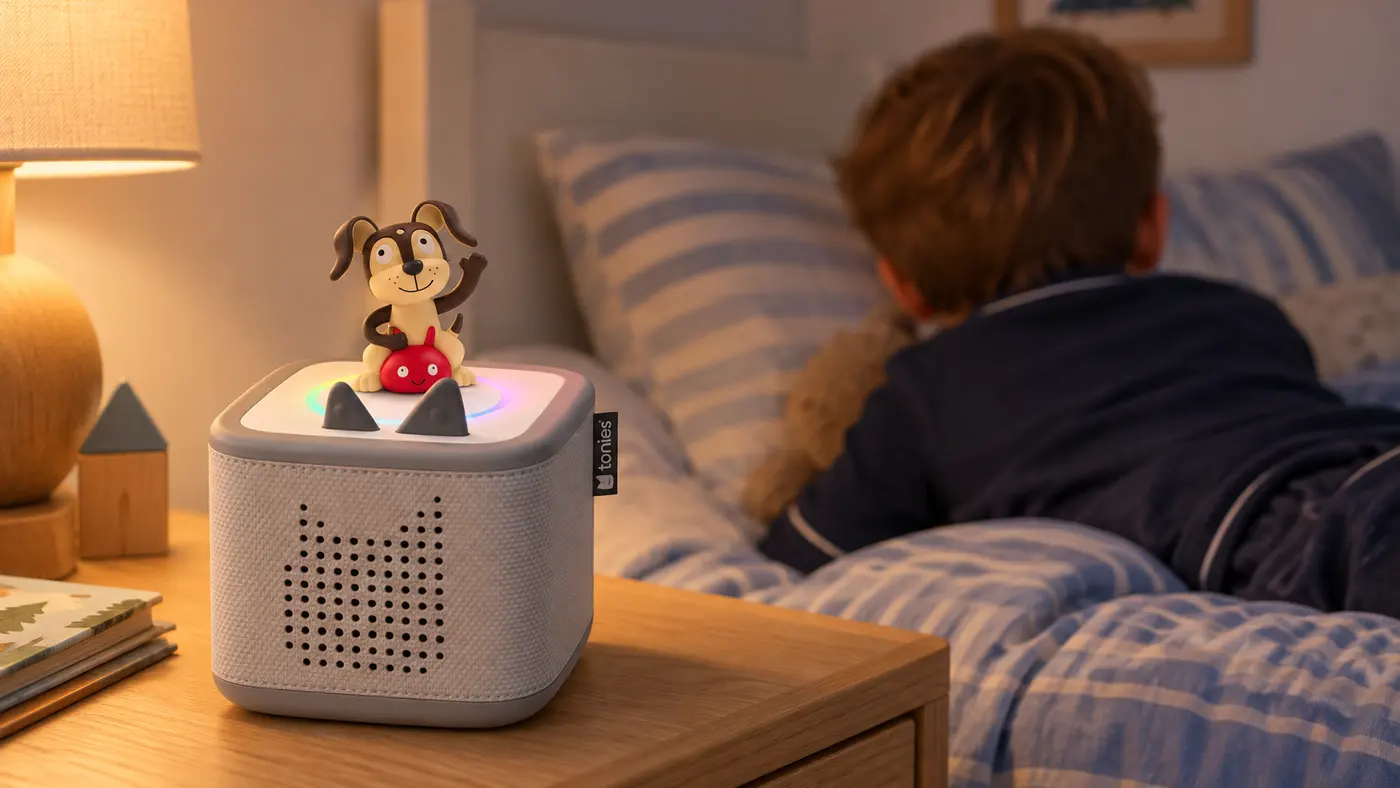
- Toniebox 2: the best toddler bedroom player. It has a light ring night light, a sunrise alarm and a sleep timer that fades the sound and light. Buy the starter set; the $129.99 box-only version has no Tonie. Headphones are USB-C or Bluetooth, so older Tonies headphones won’t plug in.
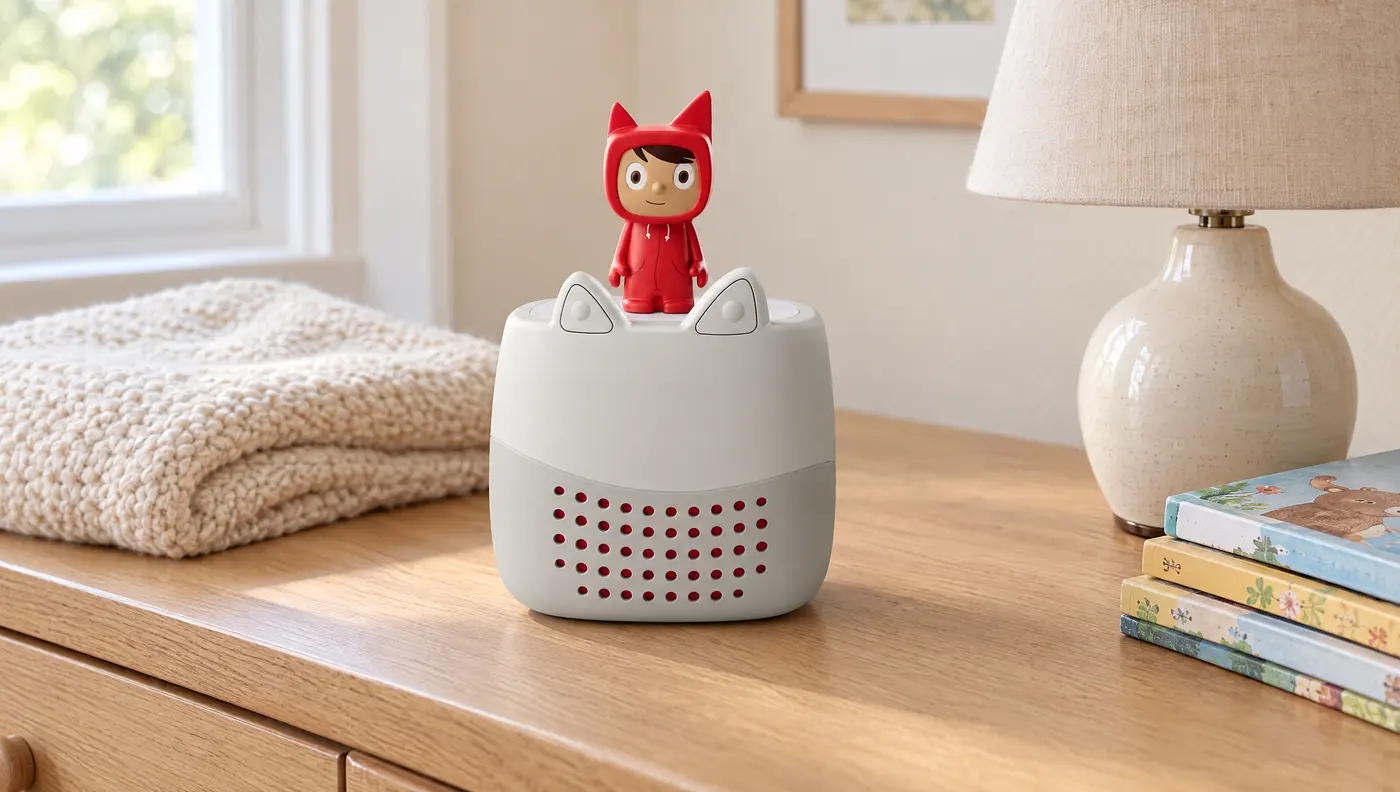
- Toniebox Lite: plays every Tonie for $79.99, without the light, alarm or games. A good second box, so you’re not moving one back and forth.
- Original Toniebox: the one we have. Tonies is phasing it out, and it’s rated 3+ with no night light or alarm, but it plays every Tonie and is sturdy enough for our one-year-old. Worth it if you find it cheap.
- Yoto Mini: the 2024 Mini is the one we have, and at $79.99 it still does everything we need on car rides. It’s small enough for a diaper bag. The newer 4th Gen ($109.99) adds water and dust resistance.
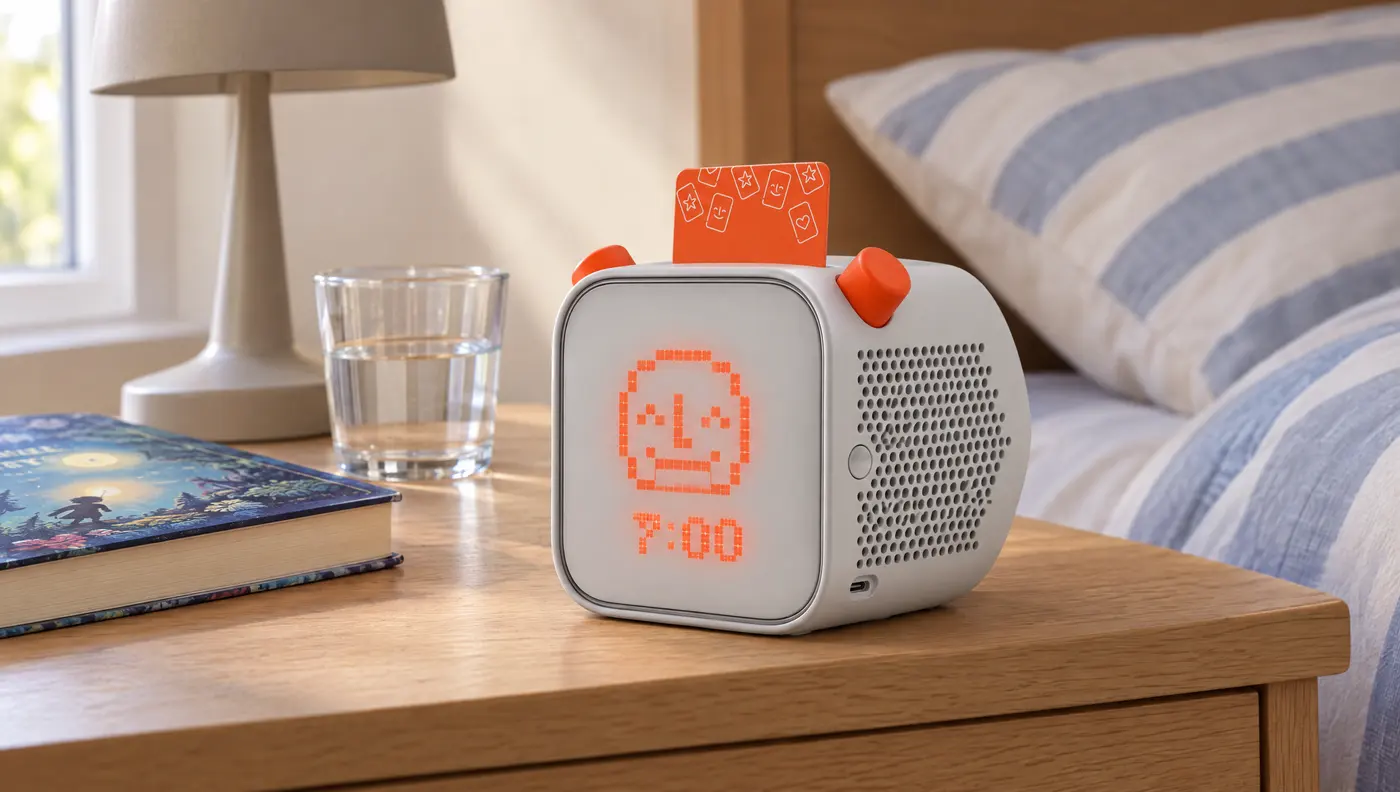
- Yoto Player: a bigger speaker, a night light and an okay-to-wake clock. The one a five- or six-year-old grows into.
How to share Tonies and Yoto cards without the fights
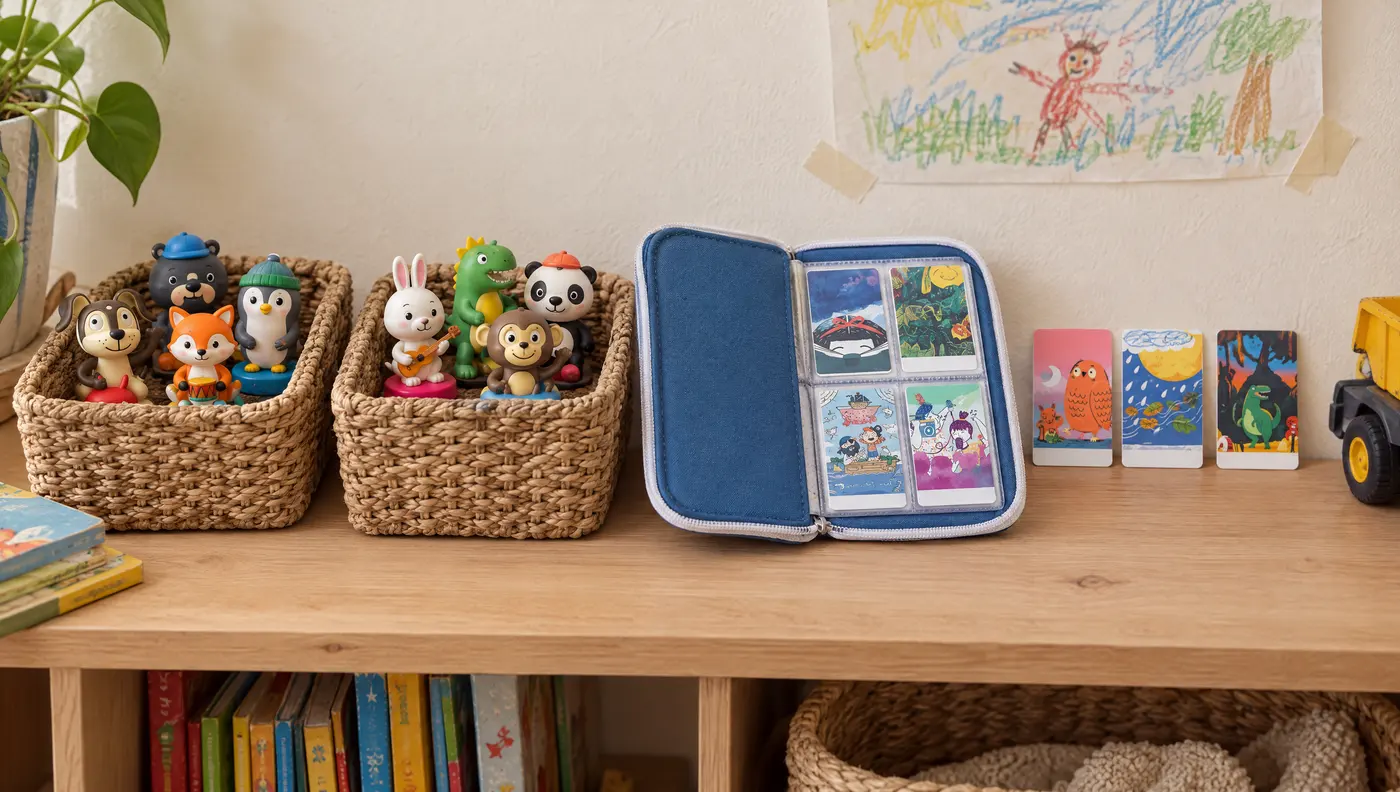
What helps at our house, and lines up with how we rotate toys:
- Give each kid one “mine” figurine or card that never gets shared. It’s the same idea as the “never rotates” list in our toy rotation: a few things that are just theirs.
- Rotate the rest like toys. Keep a handful of Tonies or cards out, and swap the rest in from the closet on toy-swap day. Fewer choices means less arguing about them. The Toy Rotation Kit for Siblings has a set planner that covers this.
- Give them each a home. A Yoto card case or one small basket per kid. When it’s full, something goes back in the closet.
- Use headphones in a shared room or the car. Both systems take headphones, so the big kid’s story doesn’t keep the baby up, and nobody else has to hear the same song for two hours.
- Put figurines and cards on the gift list. One Tonie or card pack per kid is an easy grandparent gift that doesn’t add bulk. More ideas: Christmas gifts for kids who already have too many toys.
Toniebox or Yoto: quick answers
What age is a Toniebox for? Ages 1 and up for the Toniebox 2 and Toniebox Lite, and 3 and up for the original Toniebox. Yoto rates its players 3 and up.
Is a Toniebox worth it? If it becomes part of a daily routine, yes. Ours is how our four-year-old falls asleep. If you’re not sure, borrow one from the library first.
Is Toniebox or Yoto better for a 2-year-old? Toniebox. It’s rated 1+ and has no cards to bend. Yoto rates its players 3+.
Is Toniebox or Yoto better for a 1-year-old? Toniebox. The Toniebox 2 and Toniebox Lite are rated 1+, there are no cards to bend or chew, and a one-year-old can work it alone. Yoto rates its players 3+.
Is Toniebox or Yoto better for a 3-year-old? Either works at three. Pick the Toniebox if a younger sibling will use it too, and the Yoto if it’ll travel or you want cheaper content and more free audio.
Can two kids share one Toniebox? Yes, if it’s the family player from day one. Give each kid their own time with it (nap time for one, bedtime for the other), and let each pick one figurine that’s just theirs.
What’s the cheapest way to start? A Toniebox Lite or a 2024 Yoto Mini (both $79.99), plus free content: Yoto Radio and podcasts, or your own recordings on a Creative Tonie. Check your library too; many now lend Tonies and Yoto cards.
Can you have two Tonieboxes on one account? Yes. You can add more than one Toniebox to the same Tonies account and household, and every Tonie works on every box.
Do old Tonies work on the Toniebox 2? Yes. All Tonies work on both the Toniebox 1 and the Toniebox 2. Tonieplay games only work on the Toniebox 2.
Can two Yoto players share cards? Yes. Add both players to the same Yoto Family Account, and you can play anything in your library from the app on either player. Each player keeps its own volume and bedtime settings.
Should each kid get their own? Eventually, yes. Kids don’t share players any better than they share toys. Once they both want it at the same time, each kid gets their own, picked for their age: a Toniebox for a toddler, a Yoto for a preschooler and up. For now, both of ours belong to our four-year-old: the Toniebox at bedtime and the Yoto Mini in the car. The baby gets his own Toniebox once he wants one at bedtime or for rest and nap time.
Prices and models checked October 1, 2026. They change often, especially around the holidays.